
Tesla myQ Missing Garages or Showing an Error
Diagnose myQ Connected Garage when your Tesla cannot see a linked garage. Check the garage in the phone app and the linked vehicle account.
Show me the steps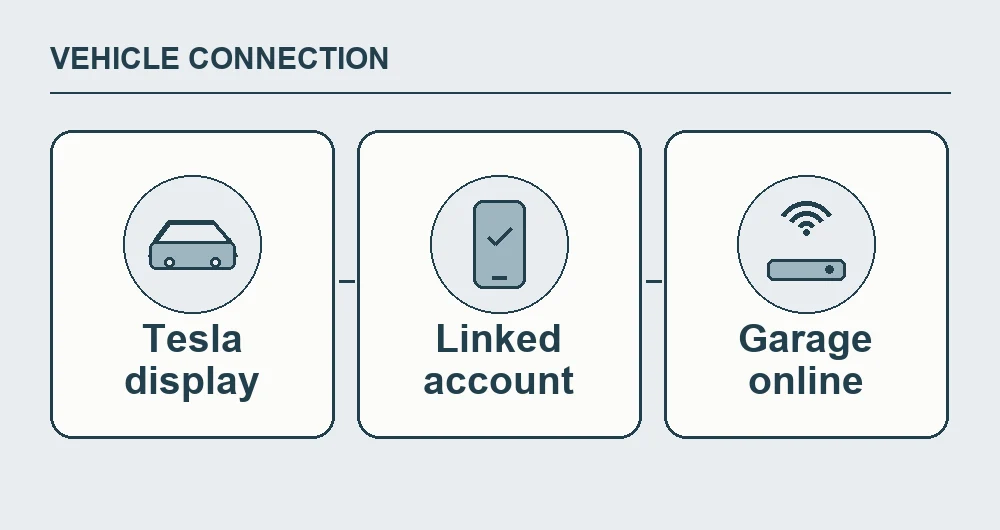
Symptoms
- Garages are missing from the vehicle, or the vehicle shows a persistent Error status.
Applies to
- App
- Compatible Tesla using myQ Connected Garage; separate from a HomeLink radio control.
Error (Tesla integration status; not a numeric opener diagnostic) · Compatible Tesla using myQ Connected Garage; separate from a HomeLink radio control.
Before you start
- Identify the product model and observe the exact status before making changes.
- Use only equipment and accounts you own or are authorized to manage.
Why this can happen
- The app itself has no active device, or the vehicle account link needs refreshing.
How to check and fix it
Park safely, then check the mobile myQ app first
Park safely, then check the mobile myQ app first.
What you should seeYou can tell whether the garage is active outside the vehicle.
Linked account
If active in the app, verify the vehicle uses the same authorized account. Household users cannot view shared garages in Tesla; co-owners need the applicable paid Tesla subscription.
What you should seeThe vehicle and phone use the intended identity.
Garage online
For persistent vehicle-only failure, open Vehicle Settings, then Controls or Locks, and unlink myQ Connected Garage. Select Link myQ Account, scan the QR code and sign in again.
What you should seeThe garages return and the Error clears.
When to stop
- Do not troubleshoot on a moving vehicle or purchase a plan merely as a diagnostic test.