
myQ Error 308: Device Does Not Respond
Diagnose myQ Error 308 by checking which device failed, its current status and local control. Separate the opener, hub and accessory checks.
Show me the steps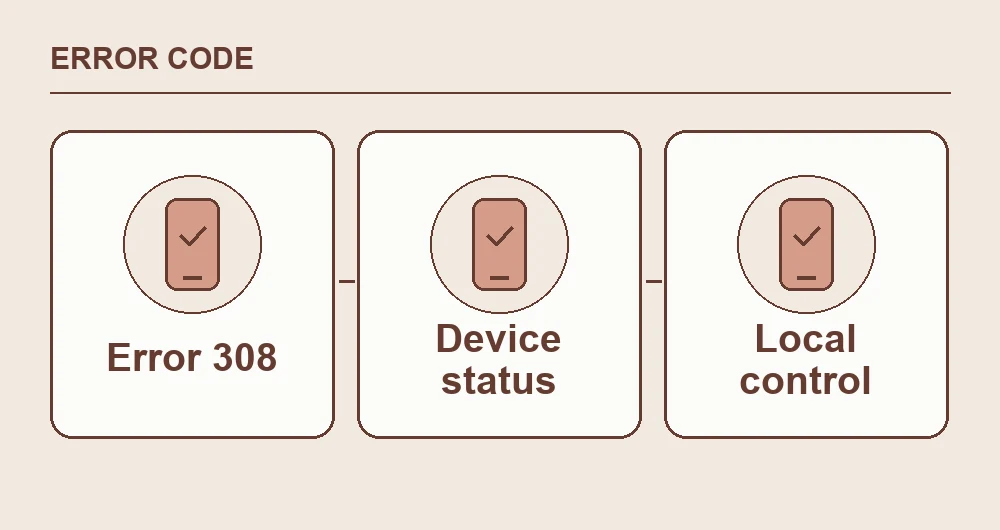
Symptoms
- App reports error 308.
Applies to
- App
- Consumer myQ device; confirm whether this is an opener, light or hub-controlled accessory.
308 · Consumer myQ device; confirm whether this is an opener, light or hub-controlled accessory.
Before you start
- Identify the product model and observe the exact status before making changes.
- Use only equipment and accounts you own or are authorized to manage.
Why this can happen
- The controlled device may lack power or be out of range.
How to check and fix it
Error 308
Check power and, for a door, test a normal handheld remote command with the doorway clear.
What you should seeThe device responds locally.
Device status
If local operation works, check the app for Offline, Close Error or Monitor Door Only and use that specific branch.
What you should seeThe symptom is narrowed to connection, safety or pairing.
When to stop
- For damaged or erratic door hardware, stop operation and obtain qualified service.