
myQ Shared Access Invitation Not Received
Find a missing myQ household invitation. Check the exact recipient email and look for the pending invite in the consumer myQ account.
Show me the steps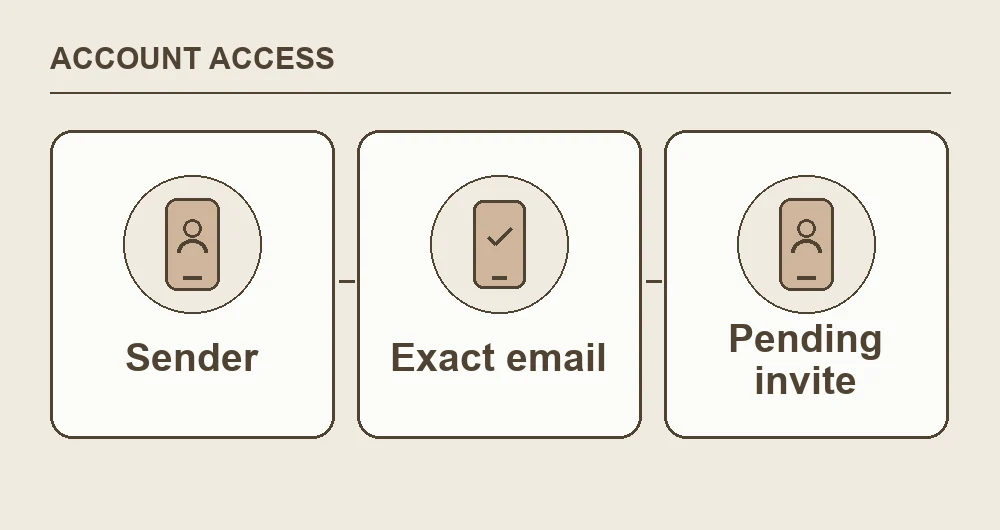
Symptoms
- No pending invitation
- Email invite missing
Applies to
- App
- Consumer myQ Users; not myQ Community
Before you start
- Invitee has a separate myQ login
Why this can happen
- Wrong recipient email, expired invitation, or Apple private-relay address.
How to check and fix it
Open Menu > Invitations while signed into your own account
Open Menu > Invitations while signed into your own account.
What you should seePending invitations appear.
Compare the account email with the address used by the owner
Compare the account email with the address used by the owner.
What you should seeBoth addresses match exactly.
Pending invite
Ask the owner to review your entry under Users and resend the invitation.
What you should seeA current invitation is available to accept.
When to stop
- Do not share the owner’s login. The owner must resolve recipient and access settings.