
myQ Overnight Alerts Stop After Midnight
If a myQ notification rule works in daytime but misses overnight activity, check how the schedule crosses midnight and test each time window.
Show me the steps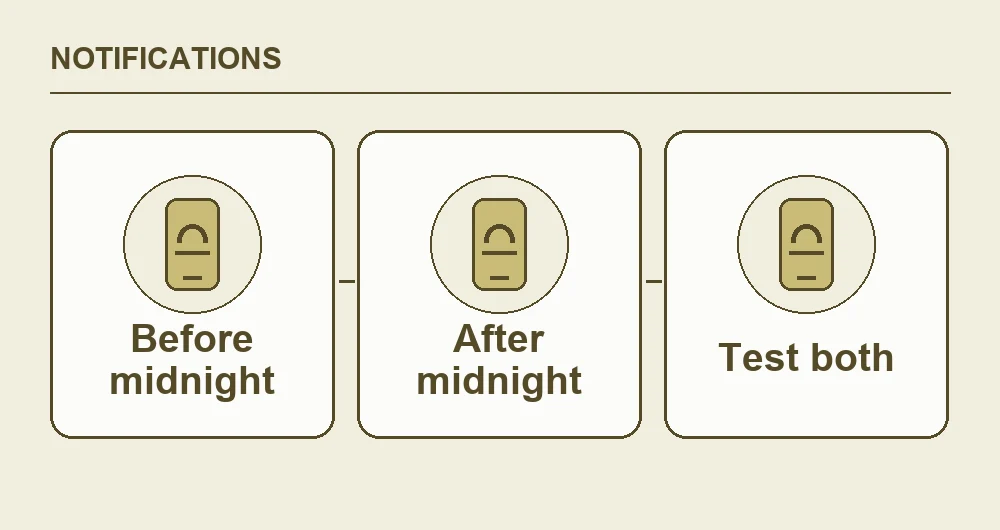
Symptoms
- Daytime alerts work
- Overnight rule misses events
Applies to
- App
- Consumer myQ notification rules
Before you start
- Permission to edit your own notification rules
Why this can happen
- A single notification window cannot cross midnight.
How to check and fix it
Before midnight
Open Notifications or Notification and Alerts and select the affected rule.
What you should seeIts device, activity and days are visible.
After midnight
Represent an overnight interval with two rules: evening to 11:59 PM, then 12:00 AM to the morning end.
What you should seeBoth sides of midnight have coverage.
Test both
Save and confirm both rules remain enabled with the desired push or email delivery.
What you should seeThe intended interval is covered.
When to stop
- A notification is not a guaranteed safety alarm; inspect actual door status when needed.