
myQ Push Notifications Not Coming Through
Fix missing myQ door and camera notifications. Verify the app’s alert rules, the phone’s notification permissions and an actual event.
Show me the steps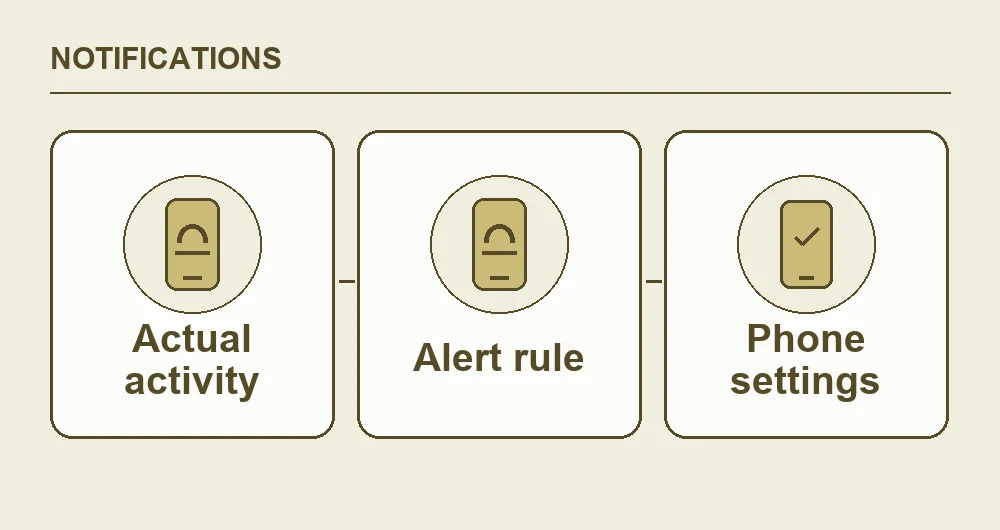
Symptoms
- Activity occurs but phone stays silent
Applies to
- App
- Consumer myQ; iOS or Android
Before you start
- Signed-in account and working internet
Why this can happen
- Phone permissions, per-device settings, restrictions or camera snooze.
How to check and fix it
Actual activity
Confirm you are signed in, online, and allowing myQ notifications in phone settings.
What you should seeThe phone can receive push alerts.
Alert rule
In myQ notification settings, select the affected door or camera and enable the intended alert.
What you should seeThe rule targets the correct device.
Phone settings
Observe the next normal event and compare the app history with delivery.
What you should seeA notification arrives; most arrive within about 90 seconds, not instantly.
When to stop
- Do not cycle a door unsupervised to test alerts. Record event time, phone OS and affected device if support is needed.