
myQ Camera Setup Fails When Naming the Device
When a myQ camera cannot finish naming, check its status light first, try an unused name and verify which Home contains the camera.
Show me the steps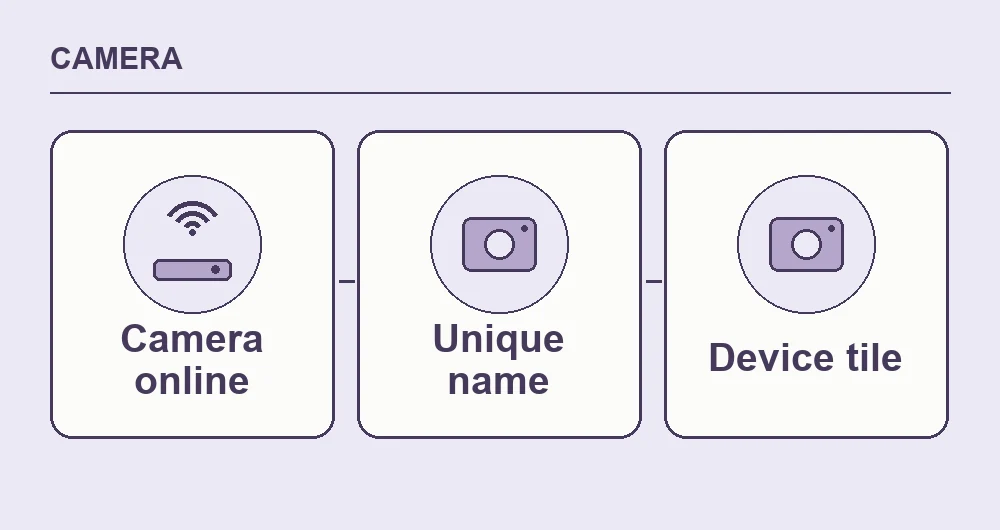
Symptoms
- Naming fails near the end of setup.
Applies to
- App
- myQ cameras covered by the Camera FAQ; inspect your model’s LED before restarting setup.
Before you start
- Identify the product model and observe the exact status before making changes.
- Use only equipment and accounts you own or are authorized to manage.
Why this can happen
- The app may not have refreshed after a successful connection.
How to check and fix it
Look at the camera LED before starting over
Look at the camera LED before starting over.
What you should seeA solid green LED suggests setup reached its connected state.
Unique name
For solid green, fully close and reopen myQ and look for the camera.
What you should seeThe existing camera may appear without repeating setup.
Device tile
If the camera remains absent, verify account and role with the camera-visibility guide.
What you should seeYou avoid creating a duplicate setup.
When to stop
- Do not erase a successfully connected camera just because its name was not saved.