
myQ Camera Solid Green but Missing From the App
A solid green myQ camera may have a network connection while its tile is missing. Check the selected Home, account and sharing permissions.
Show me the steps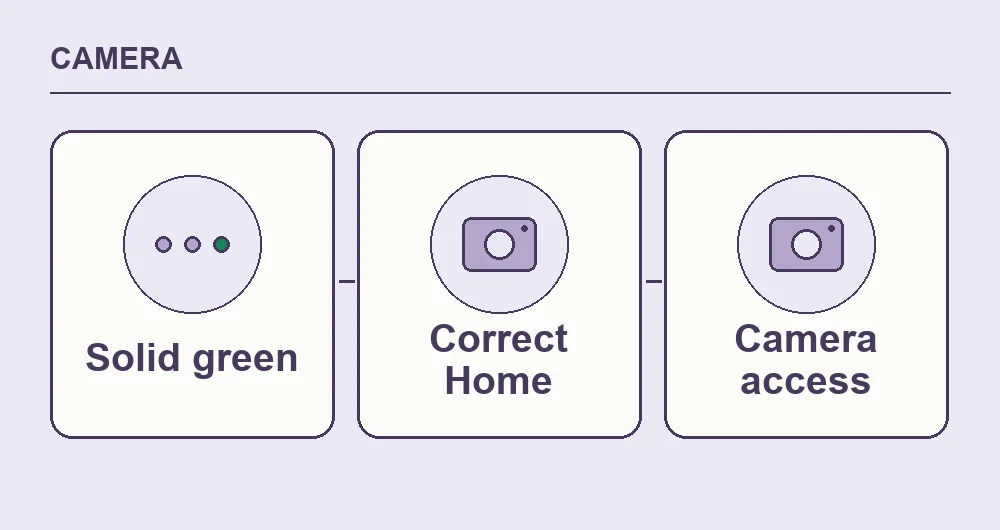
Symptoms
- Camera LED is solid green but no camera tile appears.
Applies to
- App
- Standalone myQ Smart Garage Camera; not a universal reset procedure for integrated cameras or doorbells.
Before you start
- Identify the product model and observe the exact status before making changes.
- Use only equipment and accounts you own or are authorized to manage.
Why this can happen
- Wrong sign-in identity, shared-user role or incomplete account association.
How to check and fix it
Open the app menu and check the signed-in email
Open the app menu and check the signed-in email. Use the same Apple, Google or Amazon sign-in method originally used, if applicable.
What you should seeYou are viewing the intended account.
Correct Home
Check which household/account is selected and whether you have owner/co-owner access.
What you should seeThe role permits camera viewing.
Camera access
If the owner still cannot see it, collect the model and solid-green observation before following the camera-specific setup recovery with support.
What you should seeAny reset is limited to the identified camera.
When to stop
- Account and role checks come before factory reset. Preserve existing access and settings until an authorized owner approves a reset.