
myQ Community Home Access Garage Tab Missing
Find out why home garage access is missing in myQ Community. Check the linked consumer myQ account and whether the feature is available.
Show me the steps
Symptoms
- Community entries appear but home garage is missing
Applies to
- App
- Current myQ Community linked to a consumer myQ Garage Access account
Before you start
- Existing consumer myQ garage account
Why this can happen
- Home garage account has not been linked, or the wrong account was selected.
How to check and fix it
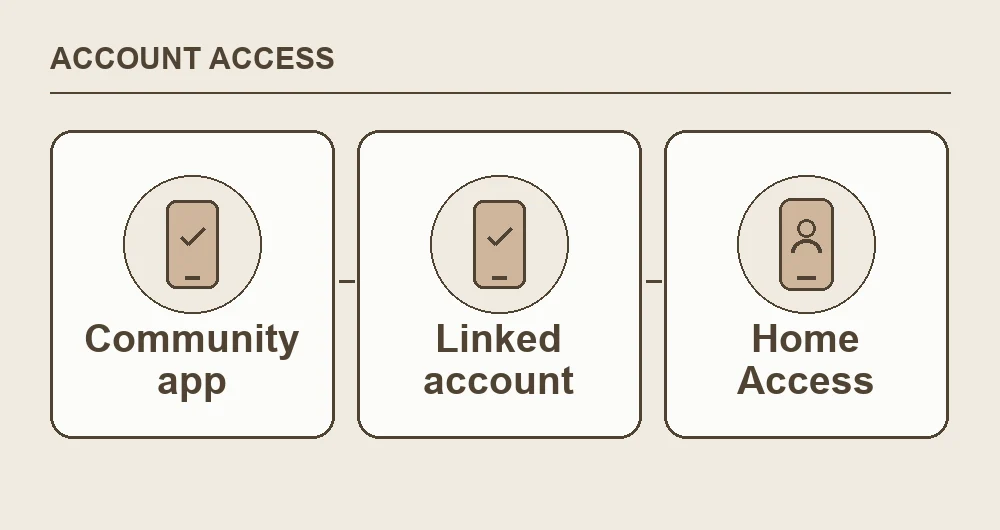
Update Community, open your initials > Works With > myQ
Update Community, open your initials > Works With > myQ.
What you should seeLink with myQ is available.
Linked account
Choose Link with myQ, allow the requested Bluetooth permission, and sign into your garage account.
What you should seeHome Access appears alongside Community Access.
Use Home Access for garage position and operation
Use Home Access for garage position and operation.
What you should seeThe linked opener is visible.
When to stop
- Link only your own authorized account. If linking fails, report which app and sign-in method were used.