
myQ Community Tap to Unlock Not Working
Troubleshoot myQ Community mobile access at a supported reader. Check the credential, phone permissions and property configuration.
Show me the steps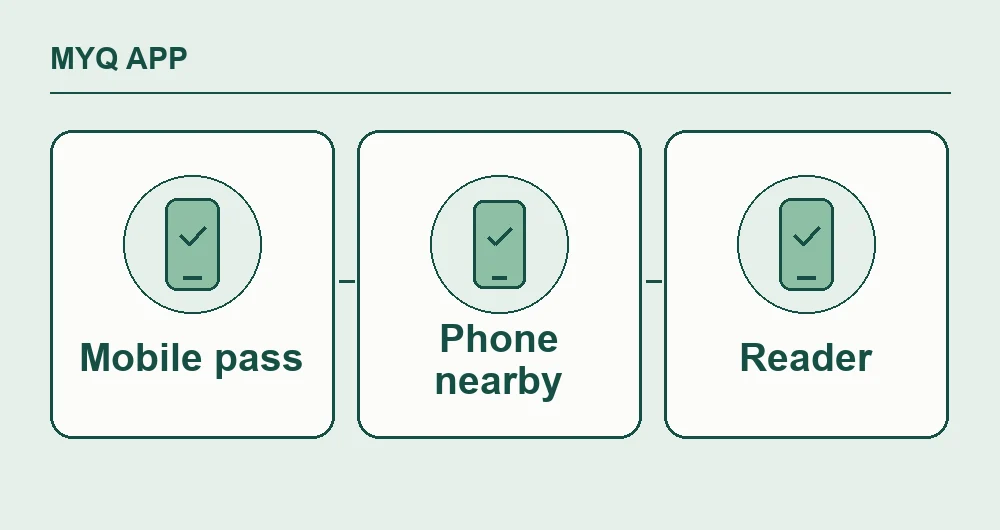
Symptoms
- No nearby unlock prompt
- Tap does not unlock
Applies to
- App
- myQ Community; supported Smart Readers and CAPXLV2/CAPXM/CAPXS with current firmware
Before you start
- Authorized mobile credential; powered phone
Why this can happen
- Disabled mode, permissions, app state or missing internet for Alert.
How to check and fix it
Mobile pass
Confirm the property administrator enabled your credential and the desired Tap or Alert mode.
What you should seeYour entitlement is verified.
Phone nearby
Keep the app running; enable Bluetooth and Location Services with Always Allow as documented for this feature.
What you should seeNearby credential detection is possible.
Approach the supported reader and try the authorized mode once
Approach the supported reader and try the authorized mode once.
What you should seeThe entry confirms access.
When to stop
- Do not force entry or bypass a reader. Use the property’s authorized alternative if access is unavailable.