
myQ Door Sensor Shows the Wrong Garage Door Position
When myQ shows the wrong open or closed status, inspect the separate door sensor installation, battery and test response before pairing again.
Show me the steps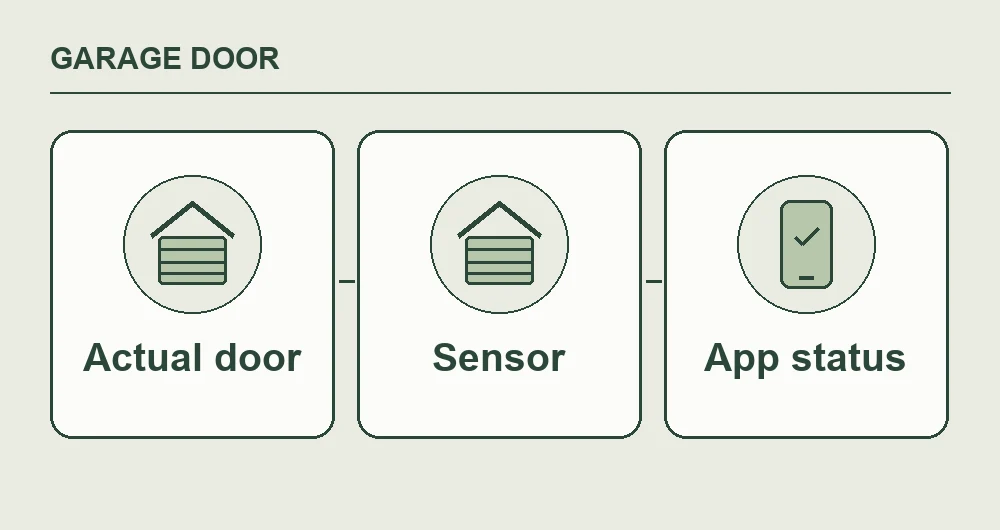
Symptoms
- Door state disagrees with the physically observed door.
Applies to
- App
- myQ Garage, Smart Garage Hub or Smart Garage Control using a separate door sensor.
Before you start
- Identify the product model and observe the exact status before making changes.
- Use only equipment and accounts you own or are authorized to manage.
Why this can happen
- Sensor battery, orientation, distance or synchronization.
How to check and fix it
Observe the real door position before issuing any command
Observe the real door position before issuing any command. Check the sensor is upright and within 30 feet of its hub.
What you should seeThe sensor can report movement from the intended orientation and range.
Sensor
Check the sensor battery using its model-specific test instructions.
What you should seeThe sensor responds normally.
App status
If the opener and safety system operate normally, use local controls to fully open and close the door twice while watching it.
What you should seeHub and sensor can resynchronize.
When to stop
- A position shown in the app is not safe evidence when it contradicts what you see. Never cycle a damaged or obstructed door.
See how these checks fit together
Common questions
What if myQ says open when the door is closed—or closed when it is open?
Treat either mismatch as unreliable position reporting. Observe the actual door and follow these checks only for a separate hub-and-sensor system. Stop remote operation if the mismatch remains.
Is the door-sensor battery the opener’s backup battery?
No. This guide checks the battery in the separate door-position sensor. It does not diagnose the opener’s backup battery; use that equipment’s model-specific instructions.