
myQ Open or Close Button Does Nothing
If a tap in myQ does not move an online door, verify the selected device, button preferences, local wall control and current door state.
Show me the steps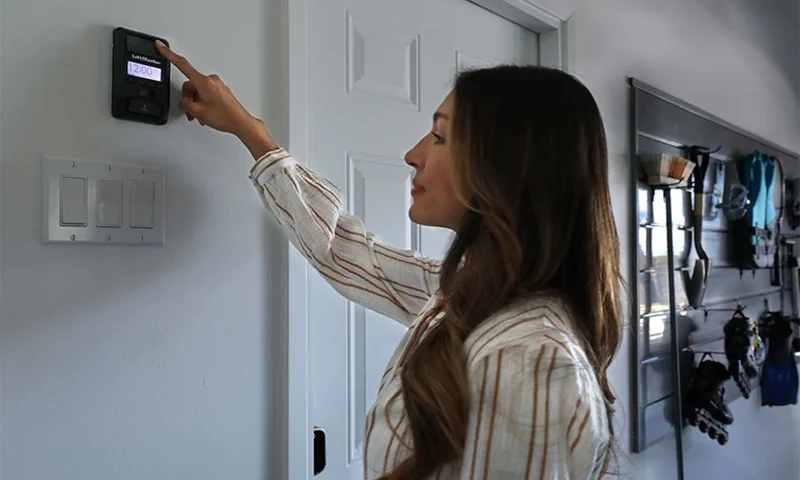
Symptoms
- A tap seems ignored; the door is otherwise online.
Applies to
- App
- myQ app 5.236 or later; Button Preferences is available to account owners with a connected device.
Before you start
- Identify the product model and observe the exact status before making changes.
- Use only equipment and accounts you own or are authorized to manage.
Why this can happen
- Press and Hold may be selected instead of Single Tap.
How to check and fix it
Check whether the door icon shows a progress ring when held
Check whether the door icon shows a progress ring when held. Keep the door in sight and its path clear.
What you should seeThe ring fills blue before a command is sent.
As the owner, open the gear menu and Button Preferences
As the owner, open the gear menu and Button Preferences. Review the selected command style.
What you should seeSingle Tap or Press and Hold is shown.
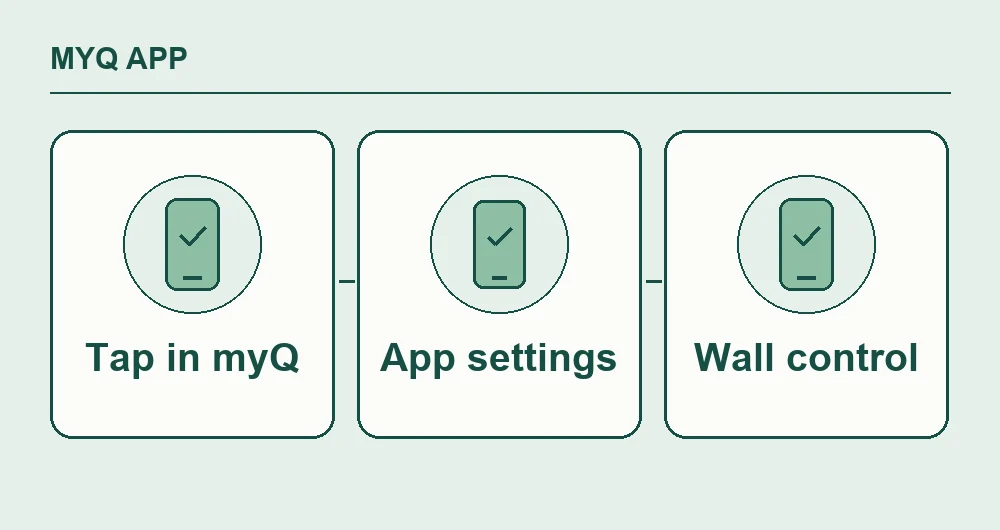
Wall control
If you want a different gesture, choose it and save; test once safely.
What you should seeThe chosen gesture works consistently.
When to stop
- Do not repeatedly command an unseen door. A missing preference in a shared account is not proof of a fault.