
myQ Error 602: Device Name Already in Use
Resolve myQ Error 602 by checking existing device names in the correct Home and choosing a distinct name for the hub or accessory.
Show me the steps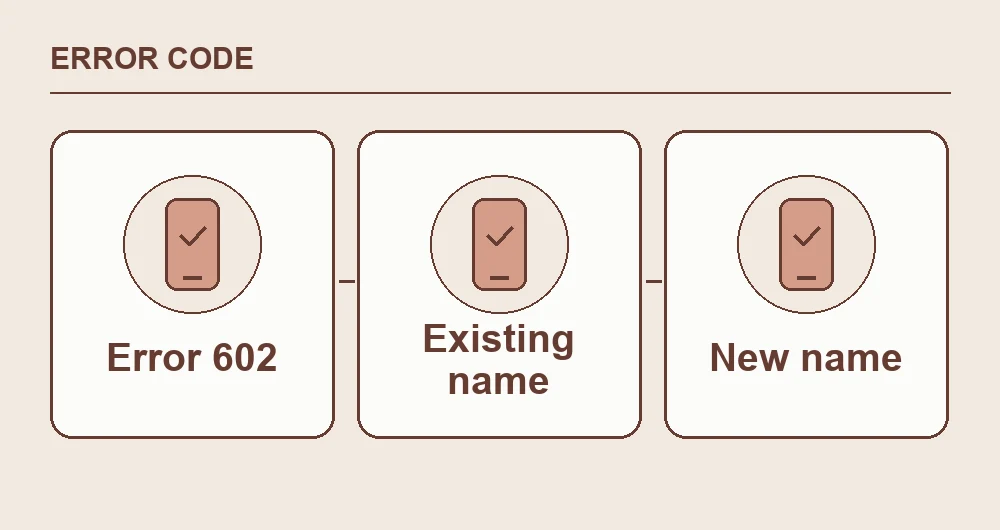
Symptoms
- Hub naming fails with Error 602
Applies to
- App
- Consumer myQ hub/device naming
602 · myQ device/hub naming
Before you start
- Owner or authorized administrator
Why this can happen
- An existing hub already uses the proposed name.
How to check and fix it
In Device Management, find the existing hub with that name
In Device Management, find the existing hub with that name.
What you should seeConflict identified.
Give that hub a different name, then retry setup
Give that hub a different name, then retry setup.
What you should seeNaming succeeds.
When to stop
- Keep names clear enough to distinguish doors; do not command an unidentified door.