
myQ Errors 203 and 207: Fix Sign-In or a Locked Account
Identify whether myQ is rejecting your login or locking the account. Check the sign-in method and the exact message before trying again.
Show me the steps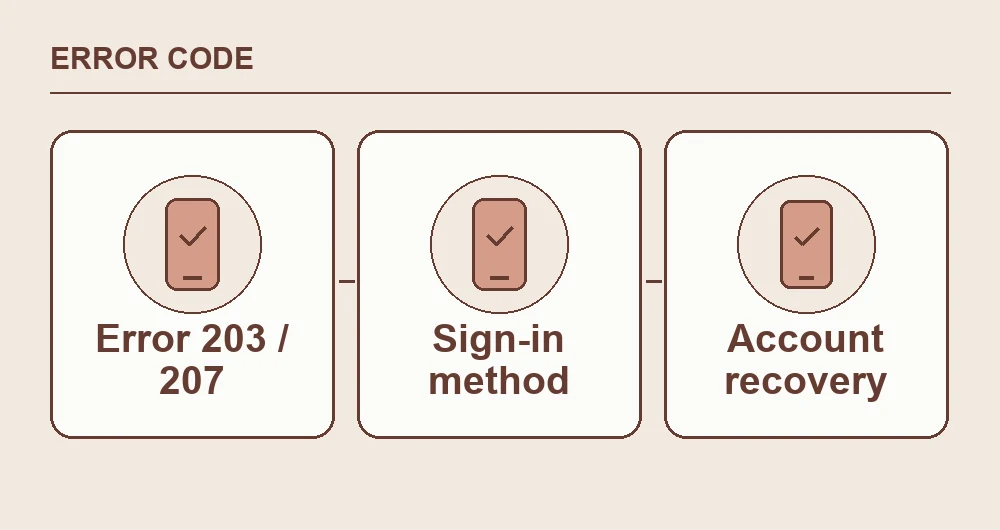
Symptoms
- Sign-in rejected
- Account locked
Applies to
- App
- Consumer myQ email/password login
203 · myQ sign-in
207 · myQ sign-in
Before you start
- Access to registered mailbox
Why this can happen
- 203 indicates incorrect credentials; 207 indicates account lockout.
How to check and fix it
Verify the registered email and sign-in method
Verify the registered email and sign-in method.
What you should seeYou are using the original account.
Sign-in method
Choose Login, then Forgot; submit the registered email and use the emailed six-digit code.
What you should seeThe app permits a new password.
Account recovery
Enter and confirm the new password, then update saved credentials on your other devices.
What you should seeThe original account opens.
When to stop
- If recovery remains unavailable, contact account support; never share a password or verification code.