
myQ Verification Code Missing or Sent to an Old Number
Recover access when a myQ two-step verification code is missing, expired or sent to an unavailable method. Start with the registered login.
Show me the steps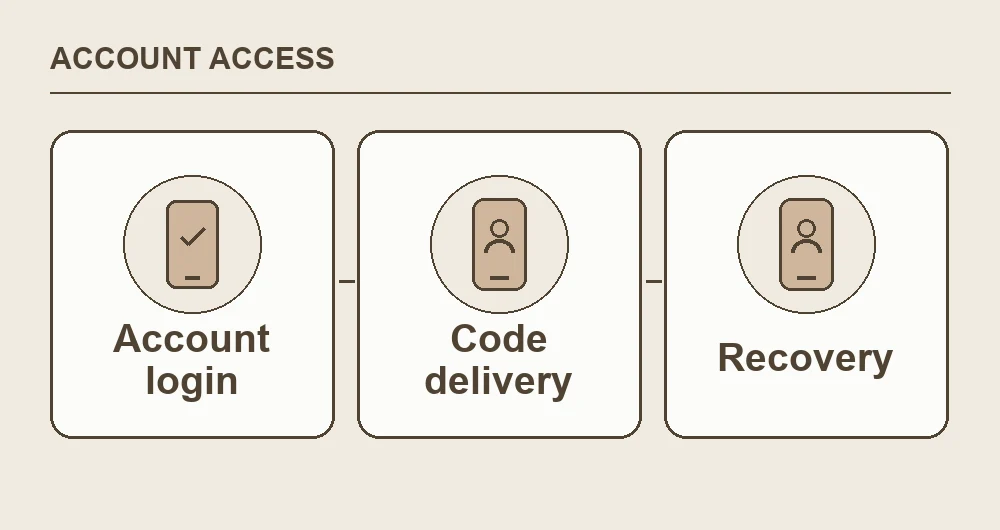
Symptoms
- Two-step code not received
- Old phone or email unavailable
Applies to
- App
- Consumer myQ two-step verification; required in official guidance from September 2026
Before you start
- Access to at least one registered verification method
Why this can happen
- Delivery filtering, expired code, or outdated recovery destination.
How to check and fix it
Account login
Check junk mail or blocked text messages; wait briefly, then request a new code.
What you should seeA current code arrives.
Code delivery
If the phone is unavailable, select backup email; if email is unavailable, use the phone method.
What you should seeYou can authenticate without the lost method.
After signing in, review recovery details in Manage Account
After signing in, review recovery details in Manage Account.
What you should seeFuture codes reach your available destination.
When to stop
- Never bypass verification or ask another household member to forward codes. Support may require ownership verification.