
myQ Devices Missing After Apple, Google or Amazon Sign-In
Find missing garages or cameras after changing how you sign in to myQ. Compare the old login, linked identity and Home before adding hardware again.
Show me the steps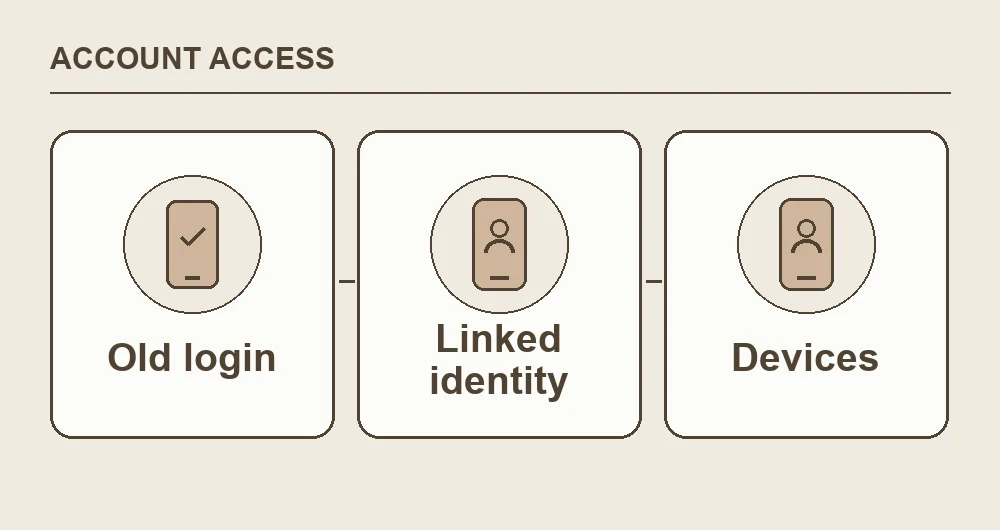
Symptoms
- Empty account immediately after Apple, Google or Amazon sign-in
Applies to
- App
- Consumer myQ SSO account linking
Before you start
- Original account email and authorized provider login
Why this can happen
- Wrong provider account or Apple Hide My Email can create a different, empty account.
How to check and fix it
Compare the selected provider email with the original myQ email
Compare the selected provider email with the original myQ email.
What you should seeAn account mismatch can be identified.
Linked identity
Sign out and choose the provider account matching the original myQ address.
What you should seePreviously associated devices appear.
Devices
If Apple Hide My Email created a relay account, review the official Apple unlink/relink procedure before changing it.
What you should seeYou can plan relinking with Share My Email.
When to stop
- Do not delete either account or factory-reset equipment to resolve a sign-in identity mismatch.