
myQ Smart Garage Camera Stuck on a White Light
If a standalone myQ camera stays white during startup, verify reliable power and use the light pattern to decide what to check after restart.
Show me the steps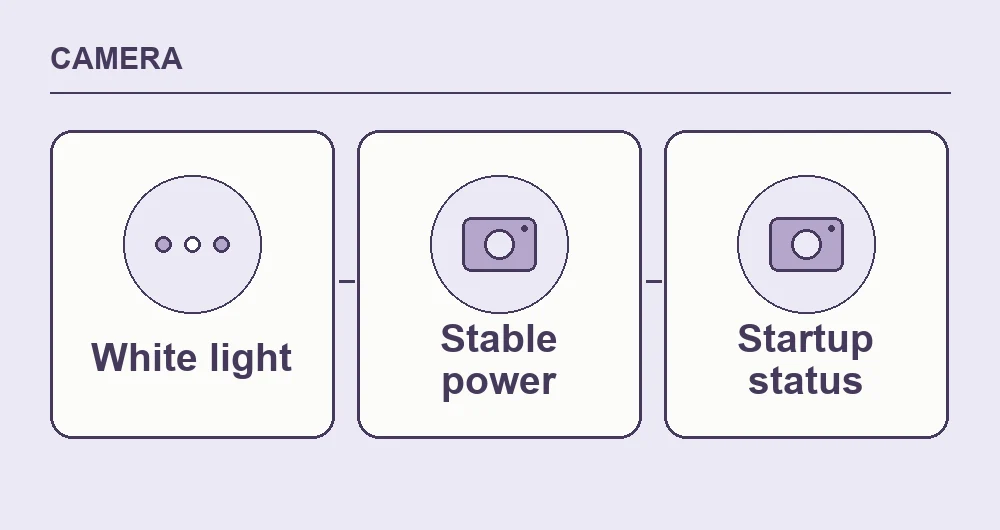
Symptoms
- Solid white LED does not progress.
Applies to
- App
- Standalone myQ Smart Garage Camera.
Before you start
- Identify the product model and observe the exact status before making changes.
- Use only equipment and accounts you own or are authorized to manage.
Why this can happen
- Startup has not completed.
How to check and fix it
Allow up to 40 seconds after powering on
Allow up to 40 seconds after powering on.
What you should seeThe LED changes to blinking blue for setup or green when online.
Stable power
Disconnect and reconnect the camera power cord and wait another 40 seconds.
What you should seeStartup completes.
Startup status
If still white, identify the exact model and ask support to guide a camera-specific factory reset, including its effects, before considering replacement.
What you should seeA supported recovery path is established.
When to stop
- A factory reset is a later, model-specific recovery—not a universal first step. Do not erase opener or account settings.