
myQ Smart Garage Camera Has No Status Light
Check the outlet and camera power connection when a standalone myQ Smart Garage Camera has a dark LED and does not respond.
Show me the steps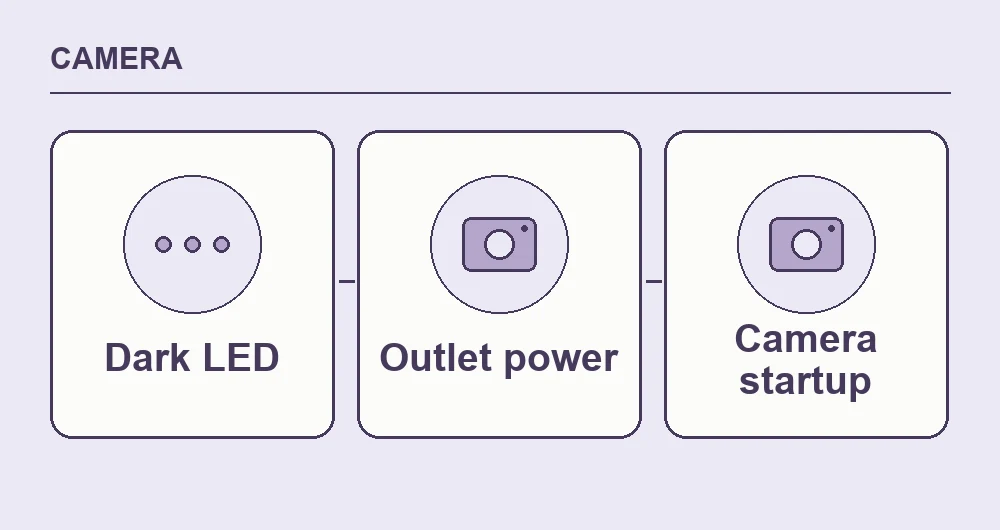
Symptoms
- No status light and no camera response.
Applies to
- App
- Standalone powered myQ Smart Garage Camera.
Before you start
- Identify the product model and observe the exact status before making changes.
- Use only equipment and accounts you own or are authorized to manage.
Why this can happen
- Loss of power or failed camera/power hardware.
How to check and fix it
Inspect the accessible power cable and adapter for damage
Inspect the accessible power cable and adapter for damage. If undamaged, disconnect and reconnect at the camera and outlet.
What you should seeThe LED starts up.
Outlet power
If still dark, verify the outlet works with another safe appliance.
What you should seeThe outlet supplies power.
Retest the camera on confirmed power using its specified supply
Retest the camera on confirmed power using its specified supply.
What you should seeThe camera powers on.
When to stop
- Do not open the adapter or camera, substitute an unverified supply, or touch damaged wiring.