
myQ Video Doorbell Has Live View but No Recordings
Check why the myQ Video Doorbell shows live video without recording history. Verify event settings, storage access and whether events are triggered.
Show me the steps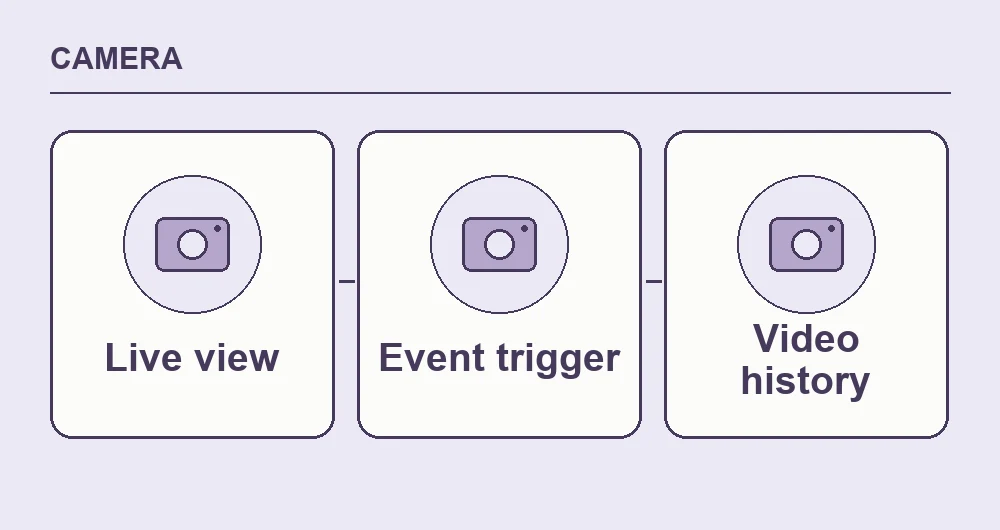
Symptoms
- Live video is available but no expected recorded events appear.
Applies to
- App
- myQ Video Doorbell; recording availability depends on the account’s current storage entitlement.
Before you start
- Identify the product model and observe the exact status before making changes.
- Use only equipment and accounts you own or are authorized to manage.
Why this can happen
- No active trial/storage entitlement, recording disabled or history filters.
How to check and fix it
Live view
Check whether the existing account has an active video-storage trial or subscription.
What you should seeRecording access is confirmed.
Open the doorbell’s Device Settings and check Event Recording
Open the doorbell’s Device Settings and check Event Recording.
What you should seeRecording is enabled if the owner wants it.
Video history
Clear filters in History, then create a normal test event in view of the camera.
What you should seeA newly captured event can be found.
When to stop
- Do not promise recovery of events that were never recorded. Avoid sharing private footage in public support requests.