
myQ Error 310: Device Belongs to Another Account
Error 310 means another myQ account still owns the device. See how to get access from the current owner.
Show me the steps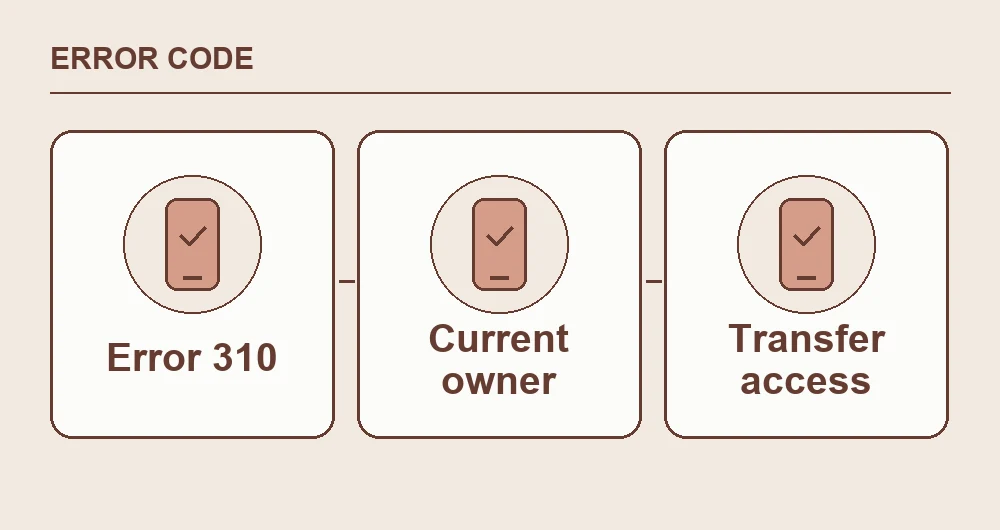
Symptoms
- Previously installed device cannot be registered
Applies to
- App
- Consumer myQ device ownership association
310 · myQ device registration
Before you start
- Documented authority to own or administer this device
Why this can happen
- A serial number is already assigned to another account; this is not ordinary Wi-Fi failure.
How to check and fix it
Error 310
Check whether you originally registered this device under another email.
What you should seeYour existing ownership can be recovered.
Current owner
For a legitimate transfer, ask the previous owner or property manager to remove the device from their account.
What you should seeOwnership is released for setup.
Choose the model-specific ownership reset
If the previous owner is unavailable and you are authorized to take ownership, identify the exact device and follow its official factory-reset instructions. A Wi-Fi-only reset does not remove account ownership. Plan to set up the device again; a Wi-Fi opener factory reset also erases remotes, keypads, HomeLink and myQ accessories.
What you should seeA completed factory reset releases the previous account association. You can add the device to your account without Error 310.
When to stop
- Do not reset equipment owned by a landlord or another resident. Never publish serial numbers or ownership documents.