
myQ Smart Garage Hub Blinking Blue and Green
Reconnect a previously working myQ hub that blinks blue and green. Check the router and new Wi-Fi details before retrying the hub connection.
Show me the steps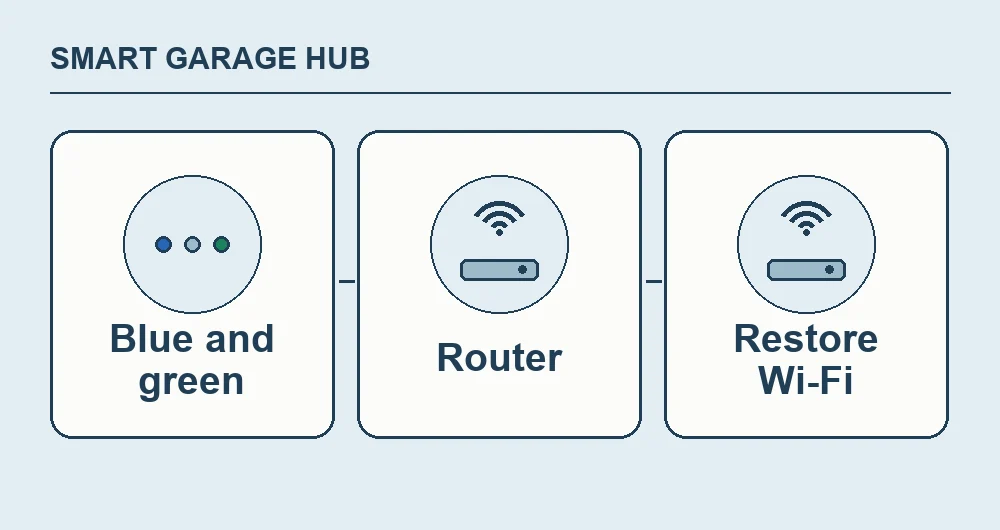
Symptoms
- Hub blinks blue and green; app control unavailable
Applies to
- App
- myQ iOS/Android; menu labels vary by release
- Hardware
- Separate myQ Smart Garage Hub or Smart Garage Control, not built-in opener Wi-Fi
309 · Hub/gateway connectivity
If you arrived by error code, confirm the device and symptoms above first. An app error code does not identify a particular LED pattern.
Before you start
- Authorized account/device owner; safe physical access.
- Record the model and displayed LED or error before changing anything.
Why this can happen
- Home network interruption
- Saved credentials no longer work
How to check and fix it
Blue and green
Test browsing over home Wi-Fi with mobile data off, then restore phone settings.
What you should seeHome internet works.
Unplug hub power for 30 seconds and reconnect
Unplug hub power for 30 seconds and reconnect.
What you should seeSolid green returns.
Restore Wi-Fi
Choose the existing device’s Change Wi-Fi Settings or reconnect prompt in myQ and follow model-specific instructions.
What you should seeHub returns online.
When to stop
- If Wi-Fi remains unavailable, contact the ISP. Local remote or wall control may still operate the door if otherwise functional; verify the path is clear.