
myQ Smart Garage Hub Stuck on a Solid Blue Light
A solid blue light on a separate myQ hub can mean the phone connection is ready while the hub still needs to join home Wi-Fi.
Show me the steps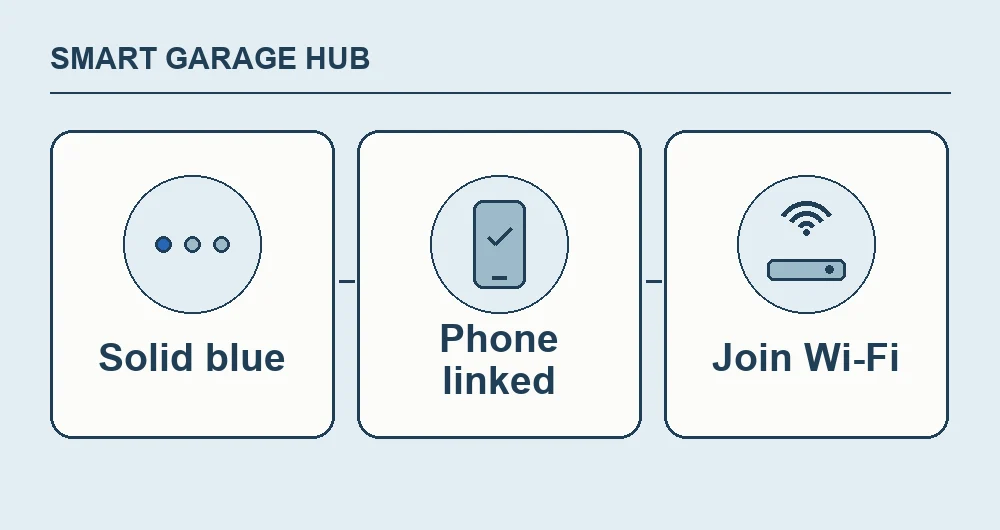
Symptoms
- Solid blue hub LED during setup
Applies to
- App
- myQ iOS/Android; menu labels vary by release
- Hardware
- Separate myQ Smart Garage Hub or Smart Garage Control, not built-in opener Wi-Fi
Before you start
- Authorized account/device owner; safe physical access.
- Record the model and displayed LED or error before changing anything.
Why this can happen
- Network handoff incomplete
- Phone network switching
How to check and fix it
Solid blue
Confirm the intended Wi-Fi network and signal beside the hub; reconnect hub power.
What you should seeHub returns to setup.
Phone linked
For myQ Garage/Smart Garage Hub, temporarily disable automatic mobile-data switching. The official Apple flow also identifies Private Relay; restore any changed setting afterward.
What you should seeSetup connection remains stable.
Complete the app’s hub setup while staying nearby
Complete the app’s hub setup while staying nearby.
What you should seeSolid green appears.
When to stop
- If there is no progress, stop repeated resets and contact support with hub model and phone OS.