
myQ Smart Garage Hub Has No Status Light
If your Smart Garage Hub or Smart Garage Control has a dark LED, check its cable, outlet and power before troubleshooting app setup.
Show me the steps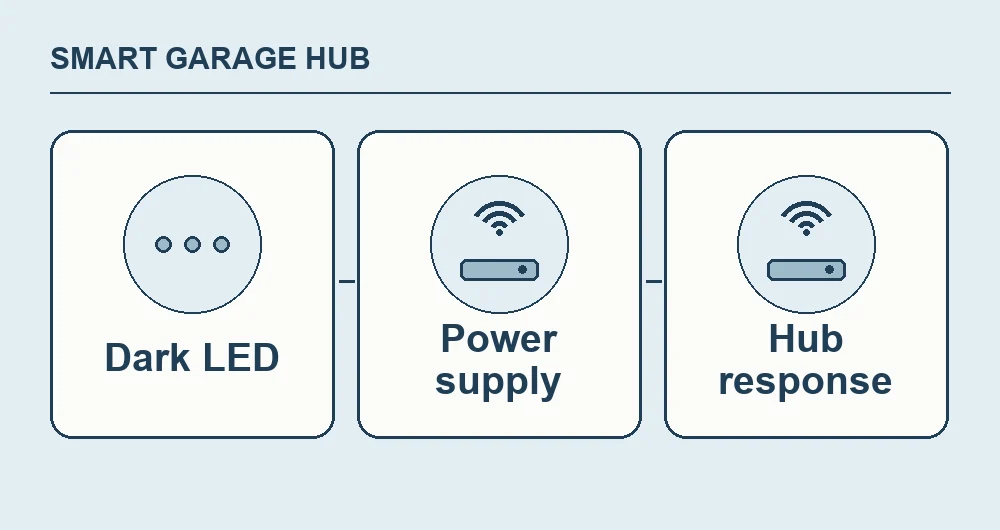
Symptoms
- Hub LED remains dark
Applies to
- App
- myQ iOS/Android; menu labels vary by release
- Hardware
- Separate myQ Smart Garage Hub or Smart Garage Control, not built-in opener Wi-Fi
Before you start
- Authorized account/device owner; safe physical access.
- Record the model and displayed LED or error before changing anything.
Why this can happen
- Hub power connection or outlet problem
How to check and fix it
Reseat the hub’s power lead at both the outlet and hub
Reseat the hub’s power lead at both the outlet and hub.
What you should seeLED illuminates.
Test the outlet with a known-working device
Test the outlet with a known-working device.
What you should seePower supply to the outlet is established.
Hub response
If powered at a working outlet but still dark, record the hub model and adapter information for support.
What you should seeSupport can distinguish supply and hub faults.
When to stop
- Stop if the cord or adapter is damaged, hot or smells burnt. Escalate persistent no-power symptoms to support.