
myQ Garage Wi-Fi Disconnects or Updates Slowly
Find the cause of intermittent myQ garage Wi-Fi by comparing signal at the opener, local door control and the timing of slow status updates.
Show me the steps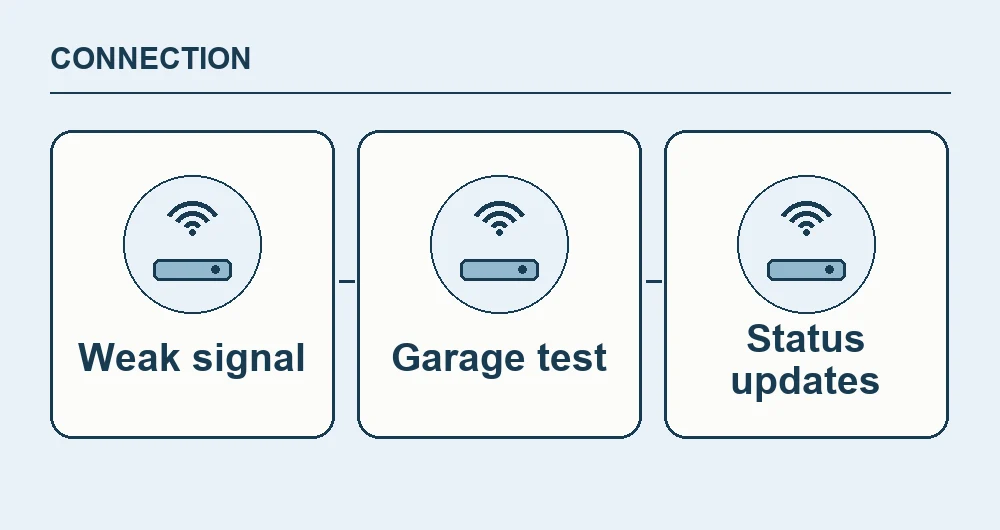
Symptoms
- Intermittent offline state
- Delayed state or notification updates
Applies to
- App
- myQ iOS/Android; menu labels vary by release
- Hardware
- myQ Wi-Fi devices; confirm model-specific band support
Before you start
- Authorized account/device owner; safe physical access.
- Record the model and displayed LED or error before changing anything.
Why this can happen
- Weak garage coverage
- Distance, obstructions or interference
How to check and fix it
Weak signal
Connect a phone to the intended Wi-Fi and test beside the device, not inside the house.
What you should seeStable signal and browsing observed.
Garage test
Move the router to a more open, elevated position closer to the garage when practical; avoid large metal obstacles.
What you should seeCoverage improves at the device.
Status updates
If using an existing extender or mesh node, place it between router and garage where its upstream signal is still strong.
What you should seeNode can relay a usable signal.
Check 4
Retry setup or observe whether the device remains online.
What you should seeStable app status returns.
When to stop
- A phone’s bars are a screening test, not proof of myQ connectivity. Seek network assistance if coverage cannot be stabilized.