
LiftMaster Garage Door Opener Blinking Blue
A blinking blue light on a LiftMaster opener means it is ready to connect. Keep your phone near the opener and have your home Wi-Fi password ready.
Show me the steps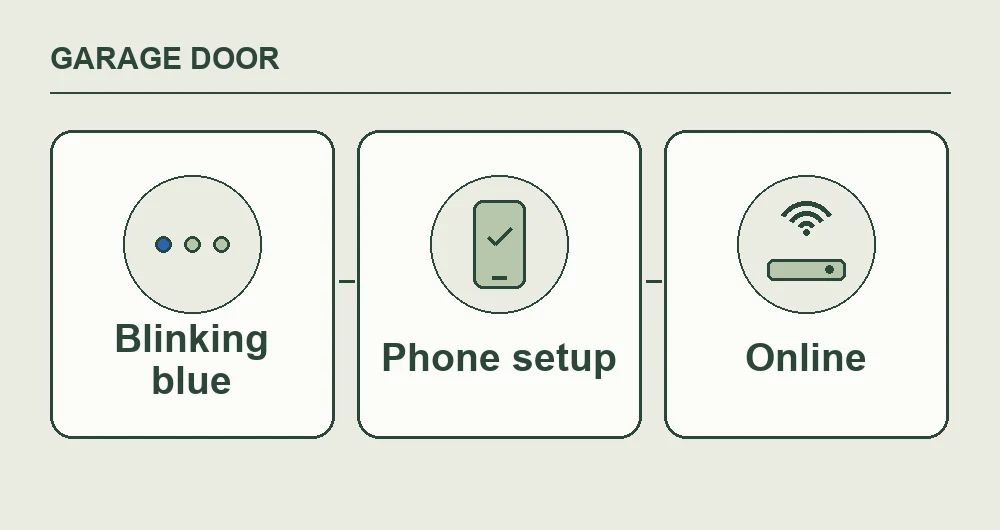
Symptoms
- Blinking blue Wi-Fi LED; setup incomplete
Applies to
- App
- myQ iOS/Android; menu labels vary by release
- Hardware
- Garage door opener with built-in myQ Wi-Fi, not a separate hub
311 · Wi-Fi hub or opener
If you arrived by error code, confirm the device and symptoms above first. An app error code does not identify a particular LED pattern.
Before you start
- Authorized account/device owner; safe physical access.
- Record the model and displayed LED or error before changing anything.
Why this can happen
- Setup not completed
- Incorrect saved network credentials or weak coverage
What a Blinking Blue Light Means on a LiftMaster Opener
A blinking blue light on the Wi-Fi indicator means the LiftMaster opener is ready for myQ Wi-Fi setup and has yet to connect. The small Wi-Fi indicator is separate from the opener’s main work light and the up/down arrows that report door faults.
During setup, a solid blue light means the phone has connected to the opener. Blinking blue and green points to the next step, connecting to the router. Solid green means the opener has connected to myQ. If you recently changed the router, network name or password, use the reconnect guide for your equipment.
How to check and fix it
Blinking blue
Enable phone Bluetooth, stay near the opener, and manually check the Wi-Fi password.
What you should seePhone and credentials are ready.
Phone setup
In myQ, choose Settings → Devices & automations → Add a new device → Garage Door Opener; follow the prompts.
What you should seeLED becomes solid green and opener appears.
Online
Only for the matching motor unit: if setup failed, hold its black adjustment button between the arrows until three beeps; the Wi-Fi LED goes off. Retry app setup.
What you should seeSaved Wi-Fi settings clear, then connection completes.
When to stop
- If still blinking blue, verify strong 2.4 GHz coverage and ask myQ support with model and setup stage.