
LiftMaster 828LM Internet Gateway Has No Green Light
Diagnose a LiftMaster 828LM Ethernet gateway with no LED or no solid green light. Check power, the Ethernet cable and router link.
Show me the steps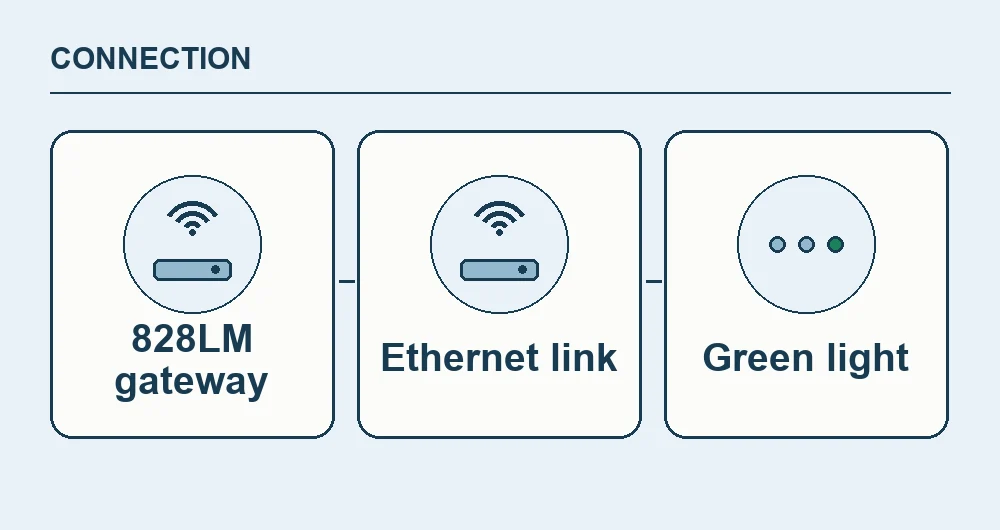
Symptoms
- No gateway LED or missing solid green
Applies to
- App
- myQ iOS/Android; menu labels vary by release
- Hardware
- Wired myQ Internet Gateway, not Wi-Fi Smart Garage Hub
304 · Internet Gateway connectivity
If you arrived by error code, confirm the device and symptoms above first. An app error code does not identify a particular LED pattern.
Before you start
- Authorized account/device owner; safe physical access.
- Record the model and displayed LED or error before changing anything.
Why this can happen
- Power or Ethernet connection
- Router LAN/internet path
How to check and fix it
Reseat gateway power and Ethernet at both ends
Reseat gateway power and Ethernet at both ends.
What you should seeSolid green indicates server connectivity.
Ethernet link
Check the outlet with another device and confirm a computer can reach the internet.
What you should seePower and home internet confirmed.
Green light
Restart the router, allow recovery, then try another router LAN port for the gateway.
What you should seeSolid green returns.
Check 4
If green blinks rather than staying off, switch to gateway blinking-green troubleshooting.
What you should seeCorrect diagnostic branch selected.
When to stop
- Escalate unresolved gateway connectivity to myQ/router support. Avoid factory resets that delete devices or bypassing network security.