
myQ Wi-Fi Security Settings Block Setup
Troubleshoot a visible Wi-Fi network that will not accept a myQ opener or hub. Verify the requirements for your device and router configuration.
Show me the steps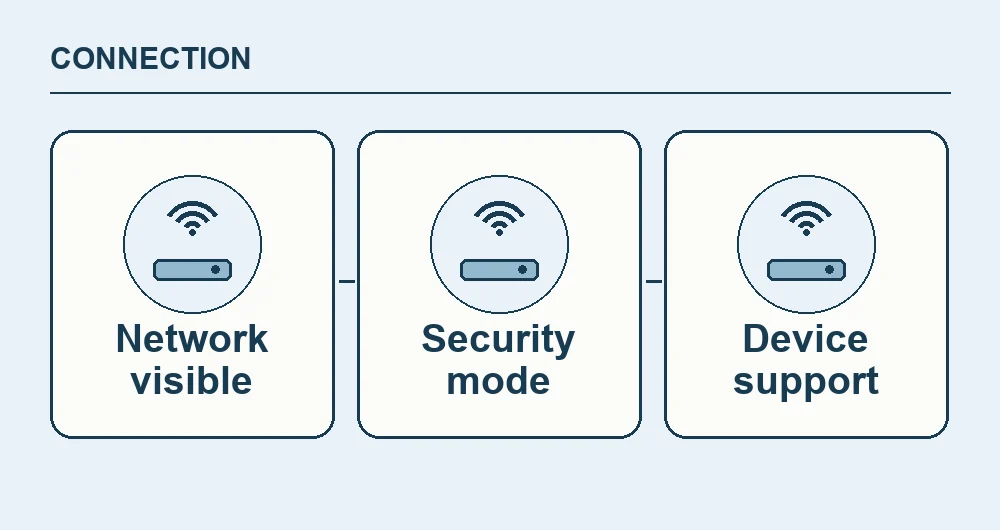
Symptoms
- Strong signal but repeated connection rejection
Applies to
- App
- myQ iOS/Android; menu labels vary by release
- Hardware
- myQ garage Wi-Fi devices; firmware-dependent security support
Before you start
- Authorized account/device owner; safe physical access.
- Record the model and displayed LED or error before changing anything.
Why this can happen
- Enterprise or guest-network restrictions
- Incompatible radio or address settings
How to check and fix it
Network visible
Have the network administrator verify residential WPA2 Personal, or supported WPA3 Personal firmware.
What you should seeCompatible authentication identified.
Verify DHCP and 802
Verify DHCP and 802.11 b/g/n support; an ac-only network is unsuitable.
What you should seeDevice can join and receive an address.
Retry setup after authorized corrections
Retry setup after authorized corrections.
What you should seeDevice comes online.
When to stop
- WPA3 support depends on compatible firmware. Do not disable firewalls or change a shared network without authorization.