
LiftMaster Opener Blinking Green During myQ Setup
A LiftMaster opener blinking green has joined Wi-Fi and is trying to reach myQ. Check the home internet connection and router before retrying.
Show me the steps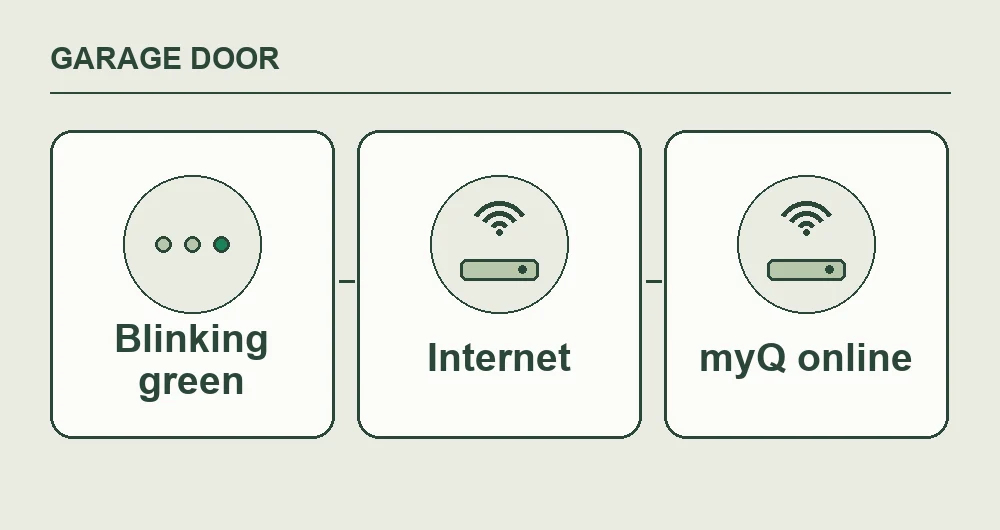
Symptoms
- Blinking green Wi-Fi LED
Applies to
- App
- myQ iOS/Android; menu labels vary by release
- Hardware
- Garage door opener with built-in myQ Wi-Fi, not a separate hub
Before you start
- Authorized account/device owner; safe physical access.
- Record the model and displayed LED or error before changing anything.
Why this can happen
- Interrupted internet path
- Firewall or router traffic restriction
How to check and fix it
Restart the opener using its model-specific power procedure
Restart the opener using its model-specific power procedure.
What you should seeSolid green returns.
Internet
Restart the router, allow internet to recover, and test another device on the same network. Then restart the opener again.
What you should seeInternet and myQ connection recover.
myQ online
Ask the network administrator to verify the device can communicate on TCP 8883.
What you should seeRequired server traffic is permitted.
When to stop
- If internet works but green keeps blinking, provide the network administrator and myQ support the model and checks performed.