
LiftMaster Opener Has No Wi-Fi Status Light
Check why the Wi-Fi status LED is dark on a LiftMaster opener. Confirm the exact model, power and the correct light before repeating setup.
Show me the steps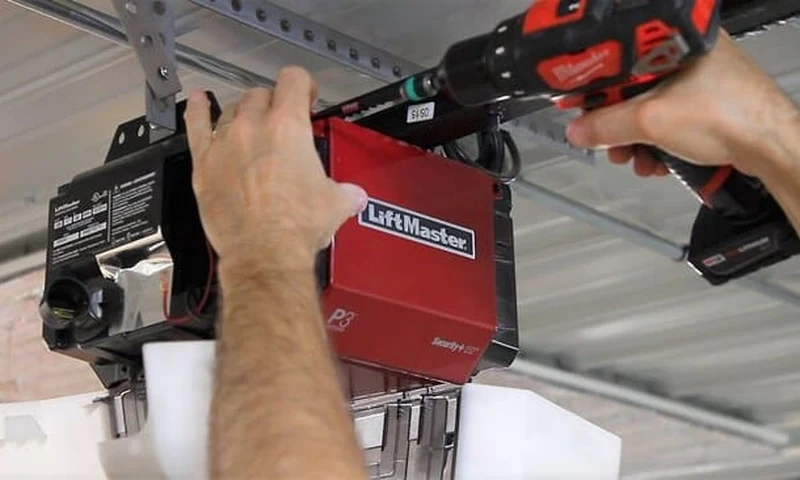
Symptoms
- Wi-Fi LED unlit; app offline or setup fails
Applies to
- App
- myQ iOS/Android; menu labels vary by release
- Hardware
- Garage door opener with built-in myQ Wi-Fi, not a separate hub
Before you start
- Authorized account/device owner; safe physical access.
- Record the model and displayed LED or error before changing anything.
Why this can happen
- Power absent
- Wrong indicator inspected
- Opener fault
How to check and fix it
Dark Wi-Fi LED
Locate the Wi-Fi indicator for your model and confirm the power plug is seated.
What you should seeCorrect LED and power connection identified.
Safely test the outlet with a known-working device
Safely test the outlet with a known-working device.
What you should seeOutlet powers the test device.
After power is restored, read the Wi-Fi LED again
After power is restored, read the Wi-Fi LED again.
What you should seeA lit LED identifies the next connection stage.
When to stop
- Stop for damaged wiring, burning smells or repeated trips. Use an electrician for supply faults or qualified opener service for unit faults.