
Home Wi-Fi Network Missing During myQ Setup
Find your Wi-Fi network when it does not appear during myQ setup. Check the network band, broadcast name and signal in the garage.
Show me the steps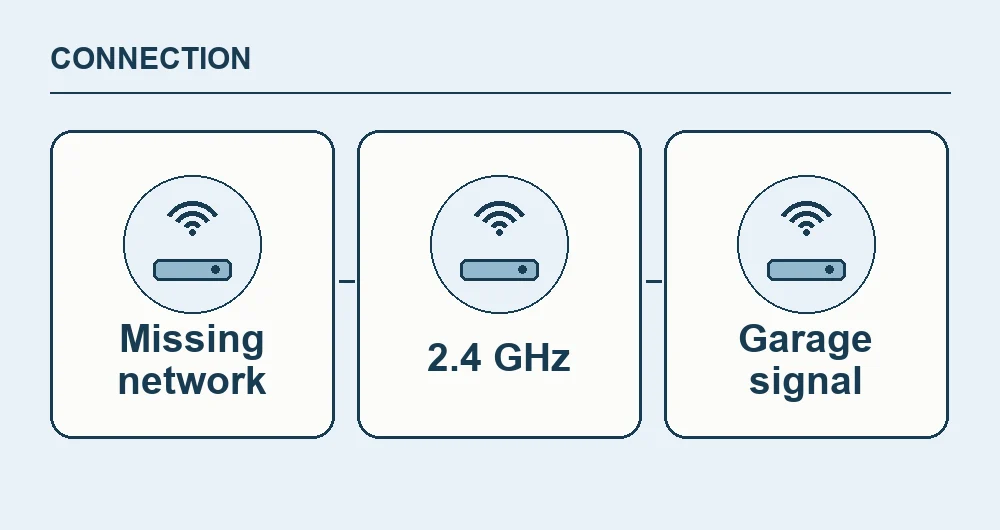
Symptoms
- SSID absent from the setup network list
Applies to
- App
- myQ iOS/Android; menu labels vary by release
- Hardware
- Built-in Wi-Fi openers and separate garage hubs requiring 2.4 GHz
Before you start
- Authorized account/device owner; safe physical access.
- Record the model and displayed LED or error before changing anything.
Why this can happen
- Hidden SSID
- 2.4 GHz unavailable or combined-band setup issue
How to check and fix it
Check whether the home network appears in phone Wi-Fi settings
Check whether the home network appears in phone Wi-Fi settings.
What you should seeSSID is visible.
Confirm 2
Confirm 2.4 GHz is enabled; one combined network name does not prove it is absent.
What you should seeCompatible band is available.
Retry device setup near the device
Retry device setup near the device.
What you should seeNetwork can be selected.
When to stop
- Do not assume cameras share these band requirements. Ask the router manufacturer if band controls are unavailable.