
Connect myQ Connected Garage to AcuraLink or HondaLink
Check AcuraLink or HondaLink myQ eligibility, link your garage account and use a supported Apple CarPlay or Android Auto connection.
Show me the steps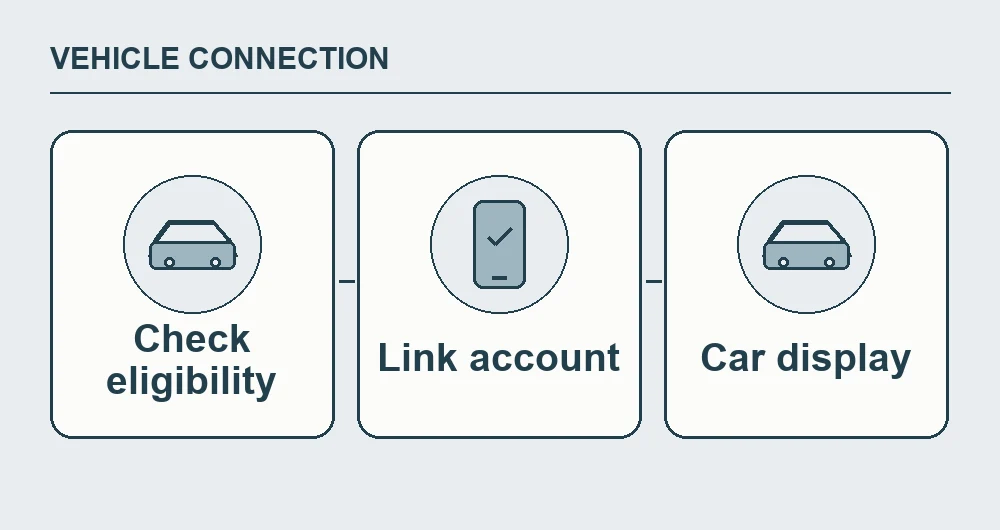
Check your route
Honda
Add the VIN in HondaLink; inspect Manage Features for myQ Connected Garage.
Acura
Add the VIN in AcuraLink; inspect Manage Features for myQ Connected Garage.
Before linking
Have a working myQ-connected door, the relevant manufacturer account and an eligible vehicle. The advertised trial is 30 days; check the current plan in the manufacturer service.
How to Connect myQ Connected Garage to AcuraLink
To connect myQ Connected Garage to AcuraLink, check that your Acura’s year, model and trim support the service. Add the vehicle in AcuraLink and look for myQ Connected Garage under Manage Features. Link the same myQ account where the garage door already shows online.
With the vehicle parked, connect your phone through the supported Apple CarPlay or Android Auto route. Open the AcuraLink experience and look for your linked garage. If the feature is missing, start by checking eligibility and whether the Connected Garage service is active for that AcuraLink account.
Work through the connection
Confirm eligibility in your account
Add the actual VIN in HondaLink or AcuraLink and open Manage Features. Look for myQ Connected Garage.
Expected resultThe myQ feature is available for your vehicle.
Link your garage account
Open myQ Connected Garage from Manage Features and follow the sign-in and authorization prompts for the account that controls your garage.
Expected resultThe manufacturer app can display your linked garage.
Connect the phone to the car
While parked, follow the supported CarPlay or Android Auto connection. The official setup instructions show a USB connection. Open the manufacturer app’s myQ tab.
Expected resultYour garage controls appear through the supported manufacturer experience.
Check one safe command
Compare the shown position with the actual door, then make one observed test with the opening clear.
Expected resultThe expected door responds and its status updates.
If something does not match
myQ is missing from Manage Features
Confirm the VIN, vehicle eligibility and manufacturer account. Reinstalling myQ or factory resetting the opener does not add an unavailable vehicle feature.
Garage missing after linking
Check that the same door works in mobile myQ and that you linked the intended account. If mobile myQ fails too, use garage troubleshooting first.
Common questions
Does every CR-V, Pilot or MDX support this?
No universal model/year claim is established here. The VIN and Manage Features check decides whether this route is available.
Is this the same as programming HomeLink?
No. Mirror or visor radio buttons use the vehicle’s HomeLink procedure, not the account-linking steps above.
Open the matching manufacturer instructions
- Official honda →
- Official acura →
- Official hondalink myq →
- Official acuralink myq →