
Mercedes-Benz myQ Setup With MBUX Voice Control
Pair myQ Connected Garage with an eligible Mercedes-Benz. Link the account using MBUX and the QR code, then verify the correct door.
Show me the steps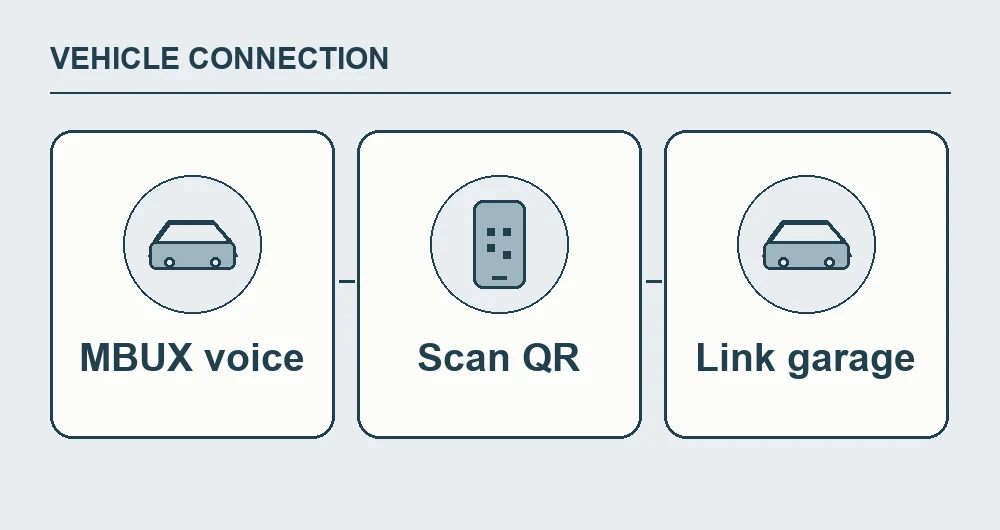
Check your route
Eligibility
Selected 2019+ vehicles with MBUX Voice Assistant, in the US. Confirm the exact vehicle and connected services.
Cost
The official myQ page describes the integration as included, with no myQ payment required. Mercedes service eligibility and connectivity still apply.
Garage
The door must already work in the consumer myQ app under the account you intend to link.
Mercedes-Benz MBUX Voice Control for myQ
Use Mercedes-Benz MBUX voice control for myQ through the supported U.S. vehicle integration. Before pairing, park the car and confirm your Mercedes me connect profile is linked to the vehicle and that the correct door works in the myQ phone app.
Ask MBUX to link your myQ account, then open the QR notification on the vehicle display. Finish signing in on your phone. If the voice pairing route does not respond, check the linked accounts under MBUX Voice Assistant in Mercedes me connect. Once linked, keep the door in view and the opening clear when you test a supported garage command.
Work through the connection
Prepare while parked
Power on the eligible vehicle and remain parked. Confirm the garage is online in myQ and that vehicle connectivity is working.
Expected resultBoth the car service and garage are ready.
Request the link
Ask MBUX: “Hey Mercedes, link to myQ account”.
Expected resultThe display offers the account-linking QR code.
Authorize on your phone
Scan the displayed QR code, sign into the correct myQ account and complete the prompts.
Expected resultThe vehicle is associated with your garage account.
Check the result
Keep the doorway clear and the door visible while confirming the linked garage and a supported command.
Expected resultThe correct door responds; stop if the state or device is wrong.
If something does not match
No linking response or QR code
Verify MBUX eligibility, connected services and US availability before changing any opener settings.
You want to program the physical garage buttons
Use the HomeLink branch of the car connection guide. Voice-account linking does not program the radio buttons.
Common questions
Does “2019+” mean every Mercedes?
No. The MBUX Voice Assistant and connected-service requirements still apply to selected vehicles.
Should I factory reset the opener if MBUX has no option?
No. First verify the vehicle service. A garage reset cannot enable an unsupported infotainment feature.
Open the matching manufacturer instructions
- Official mercedes benz →
- Official How to Link a Mercedes Benz to myQ →