
Set Up myQ With Mitsubishi Connect
Check Mitsubishi Connected Garage eligibility and link the right myQ account before using your garage controls in a supported Mitsubishi.
Show me the steps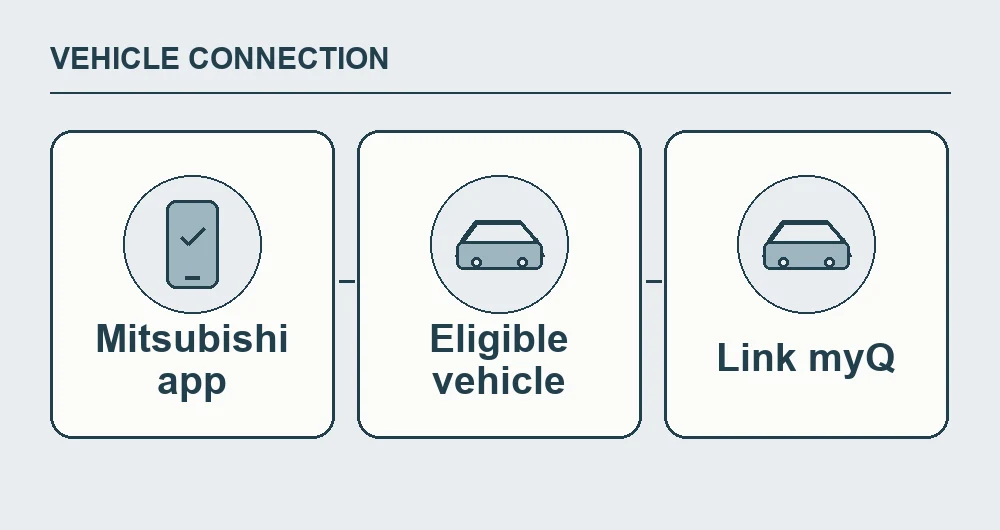
Check your route
Vehicle candidates
Selected 2018+ Eclipse Cross, 2022+ Outlander and 2023+ Outlander PHEV are listed. Confirm the exact vehicle, trim and market.
Services
Both My Mitsubishi Connect and myQ Connected Garage need an active trial or paid subscription.
Garage
Check opener compatibility and finish connecting the door in myQ before linking the vehicle.
Work through the connection
Check the vehicle and plans
Confirm eligibility with Mitsubishi and verify that both connected services are active. A model year alone does not establish every trim or market.
Expected resultThe vehicle and services qualify for the integration.
Test the garage in myQ
Use the correct myQ account and verify that the garage is online and responds safely.
Expected resultThe account has a functioning garage device.
Link in My Mitsubishi Connect
Open Services, select myQ Connected Garage, and follow the account-linking prompts.
Expected resultThe garage account is linked to the manufacturer service.
Open the supported car display
While parked, connect using supported Android Auto or wireless Apple CarPlay and open the Mitsubishi experience. Test with the door in sight.
Expected resultThe intended garage appears and responds.
If something does not match
Services has no myQ option
Check vehicle eligibility and service activation with Mitsubishi. Do not substitute another brand’s setup flow.
Vehicle shows a door that is offline
Resolve the mobile myQ connection first; phone projection cannot repair the garage network.
Common questions
Is every 2022, 2023 or 2024 Outlander supported?
No. Those searches are not proof of trim, infotainment or regional eligibility. Check the actual vehicle and service account.
Is this available worldwide?
Worldwide availability is not established by the cited eligibility information. Confirm your market with Mitsubishi.
Open the matching manufacturer instructions
- Official mitsubishi →
- Official How to link My Mitsubishi Connect to myQ →